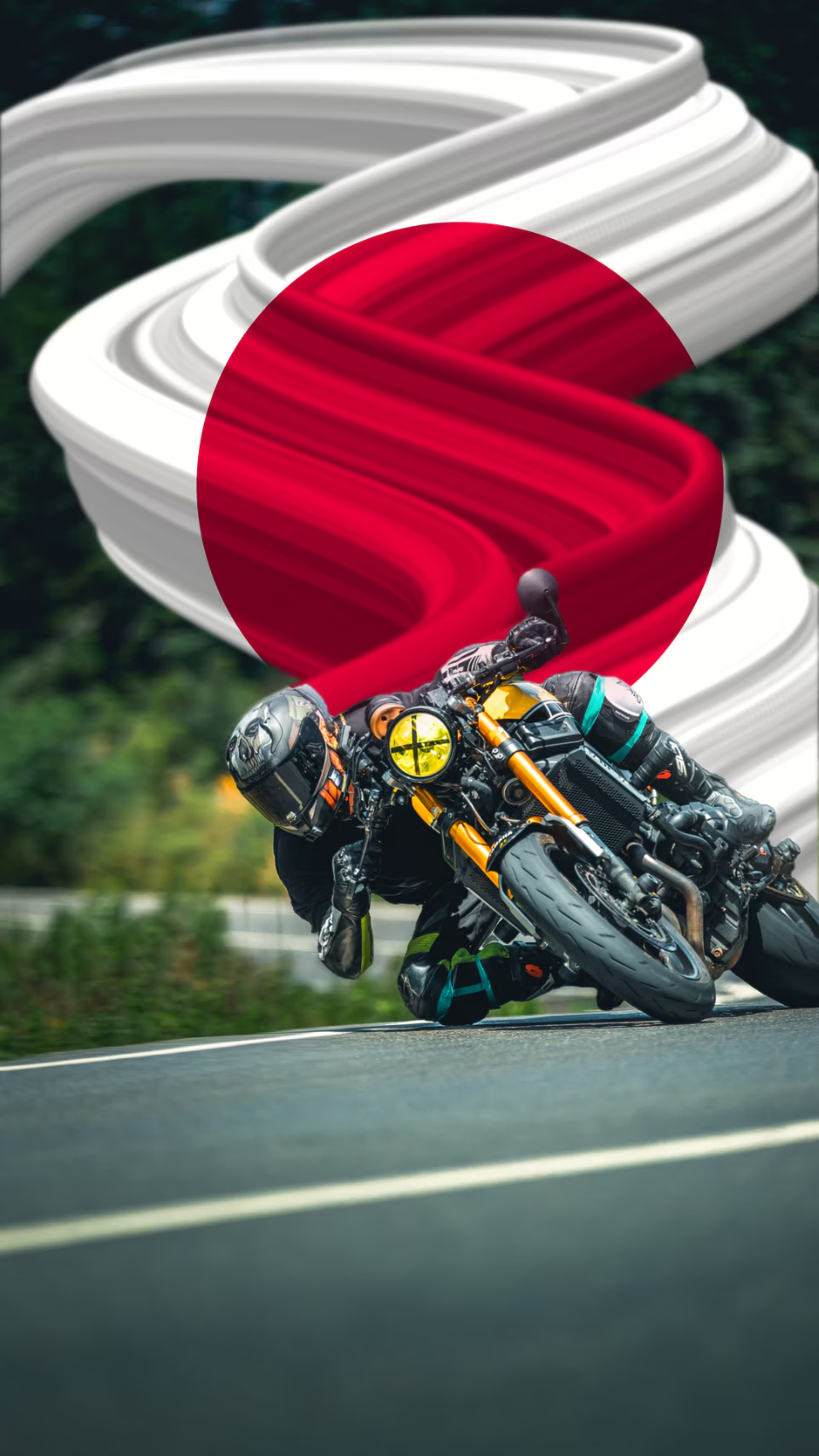
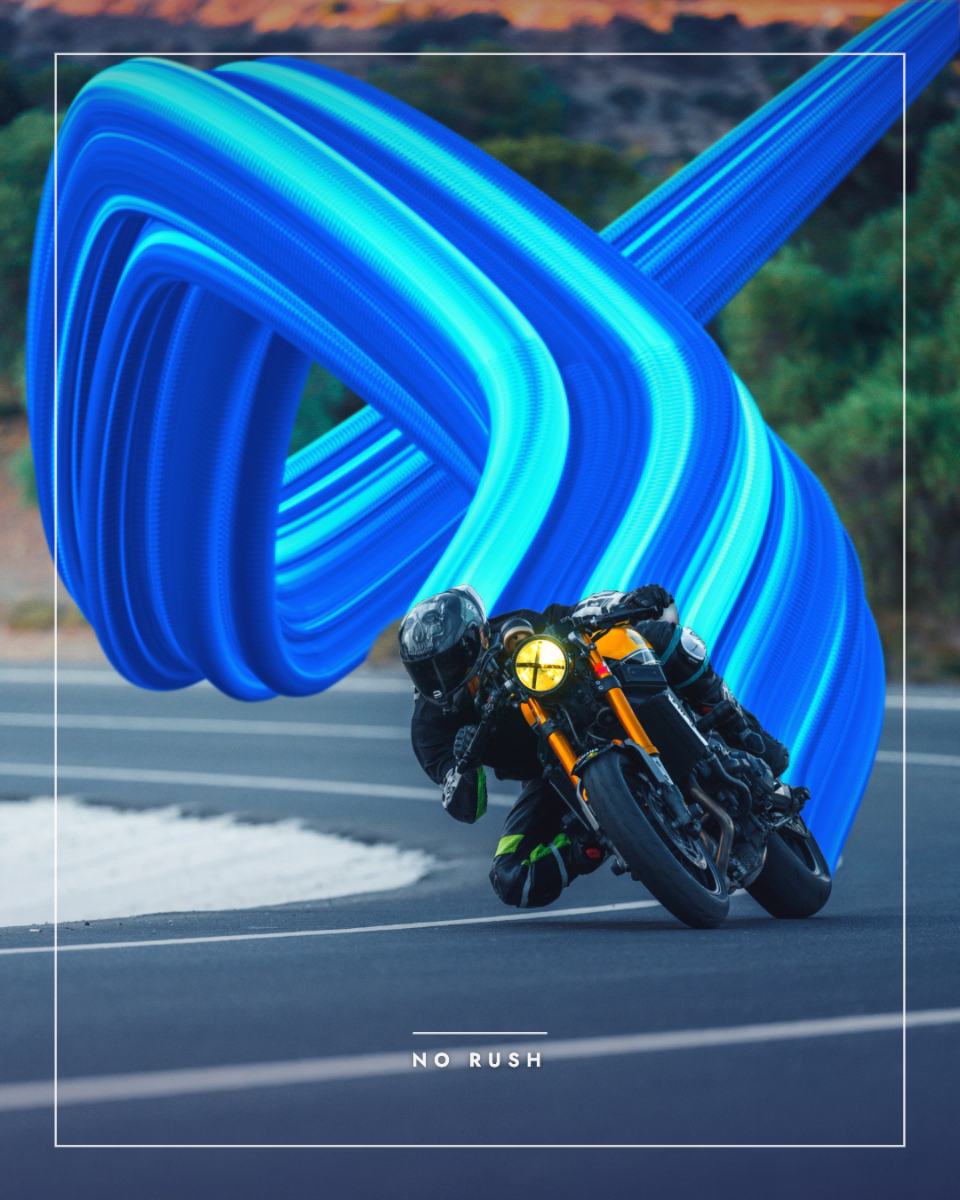
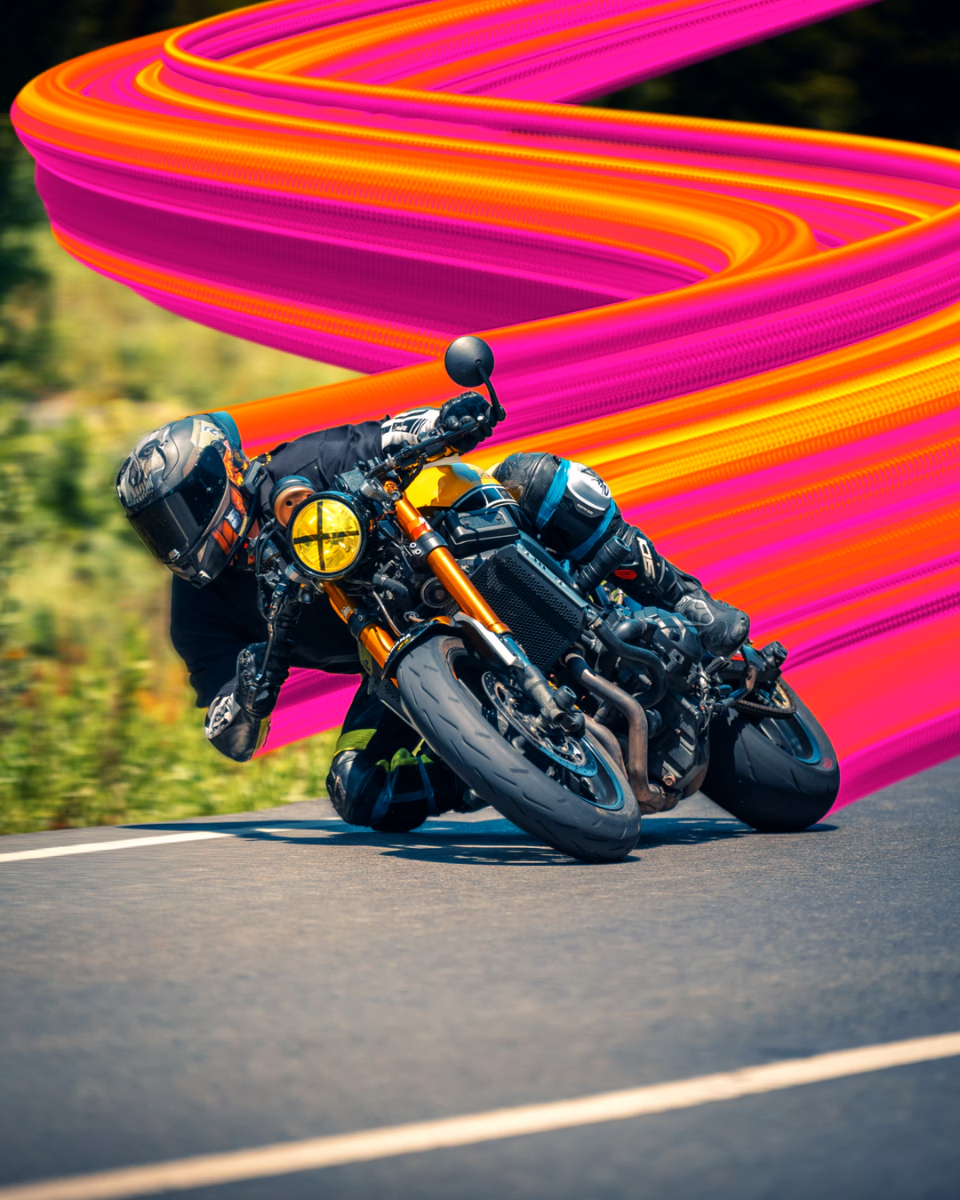
Speed lines effect for photos
Speed Lines is a free online tool that adds colorful speed lines to a photo. The AI cuts the subject out automatically and neon, flag or photo-colored lines flow behind it — adding motion and speed to motorcycle, car, running and dance shots. Steer the lines with draggable path points and clean any line you don't want with the eraser. Everything runs in your browser; your photo is never uploaded and you can download lossless at 2K, 4K, 8K or source resolution.
What are speed lines?
Speed lines are the streaks that trail a moving subject — in comics they show speed, in photography they look like the light trails of a long exposure. On Instagram they usually appear as a colorful ribbon that curves around behind the subject. Speed Lines does it in one tap by separating the subject with AI and running the lines behind it.
How to use it
- Add your photo (JPG, PNG, WEBP or iPhone HEIC); the AI cuts the subject automatically.
- Pick an Instagram size: Story, Post, Square, Landscape or Original.
- Shape the speed lines with Strength, Angle and Curl; set the flow with path points.
- Pick a neon, flag or photo-color palette or add your own colors; clean unwanted lines with the eraser.
- Optionally blur the background too, apply a color grade / LUT and download at 2K/4K/8K or source resolution.
Tips
For a natural look, bring the lines in from the direction the subject is moving: drop 2–3 path points first, then raise the curl. Flag palettes read best where the line is wide. If you want a blurred background as well as the lines, add it in the Background tab; if you only want blur, the Motion Blur tool is the better fit.
Frequently asked questions
How do I add speed lines to a photo?
Upload the photo; the AI cuts the subject out and colorful lines flow behind it. Adjust Strength, Angle and Curl, steer the lines with path points if you like, and download at high resolution.
Do I have to select the subject myself?
No. The AI separates the subject automatically; the lines pass behind it and the subject stays sharp in front. You can set the flow direction by hand with path points.
Can I choose the color of the lines?
Yes. There are neon and flag palettes, a palette built from your photo's own colors, or your own colors — remove any color you don't want with ✕.
Is this a motion blur tool?
No — Speed Lines draws colorful speed lines / light trails behind your subject. If you only want to streak the background with motion blur, use the Motion Blur tool.
Does it reduce quality?
No. You can download lossless at 2K, 4K, 8K or source resolution.
Is it free and does it work on phones?
Completely free, no install. It runs in the browser on phone and desktop; the photo is never uploaded.
Are iPhone (HEIC) photos supported?
Yes, HEIC photos are converted and opened automatically.
Before / after video
Speed Lines also downloads a before/after video of your edit: a line wipes from the original photo to the version with speed lines. It comes out as an MP4 from 1080p up to 4K, ready for Reels and stories.
How do I make a before/after video?
Edit your photo, then tap Download → Before / after video. You get an MP4 that wipes from the original to the version with lines; pick 1080p, 2K, 4K or the source size.
Developed by: otto.