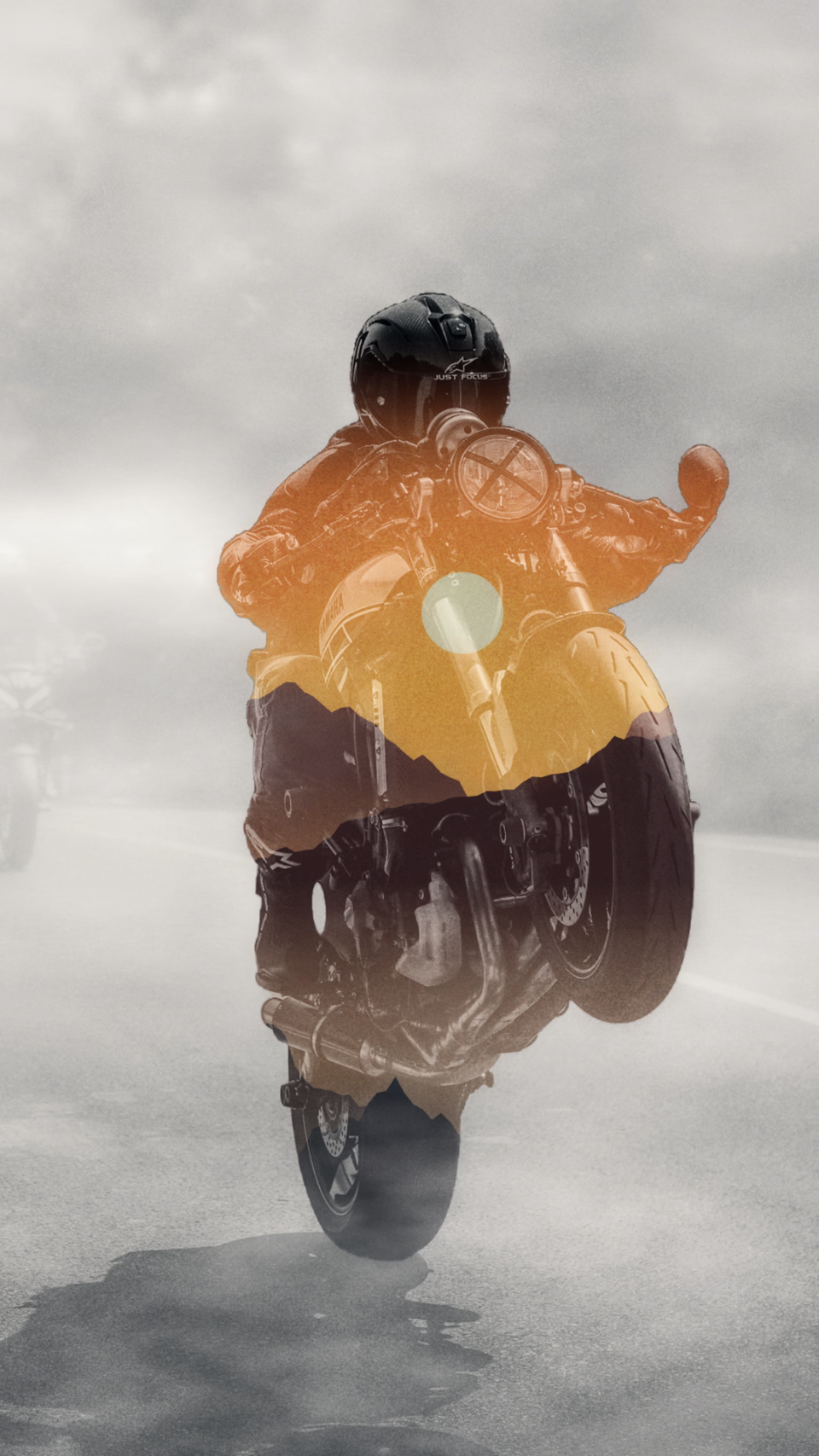
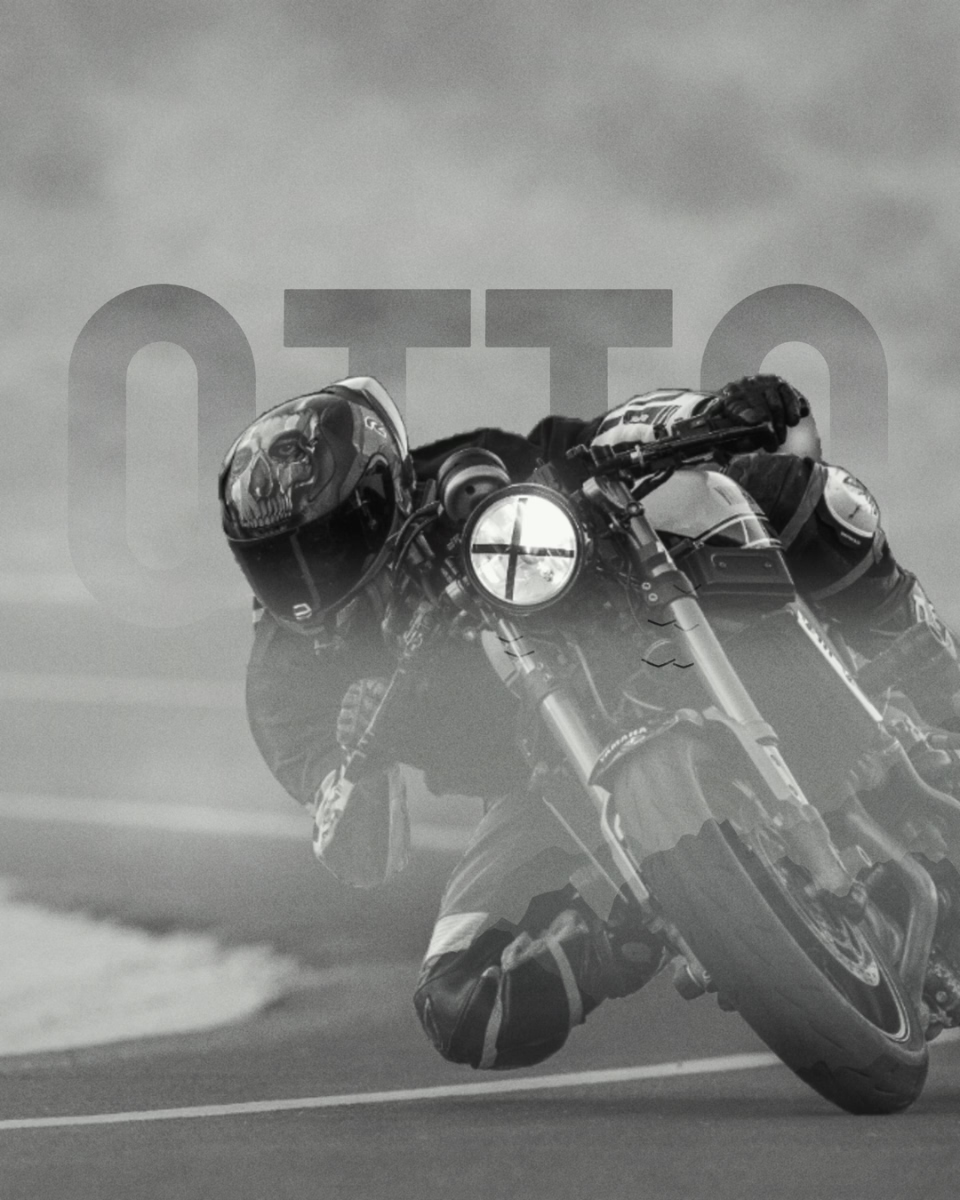
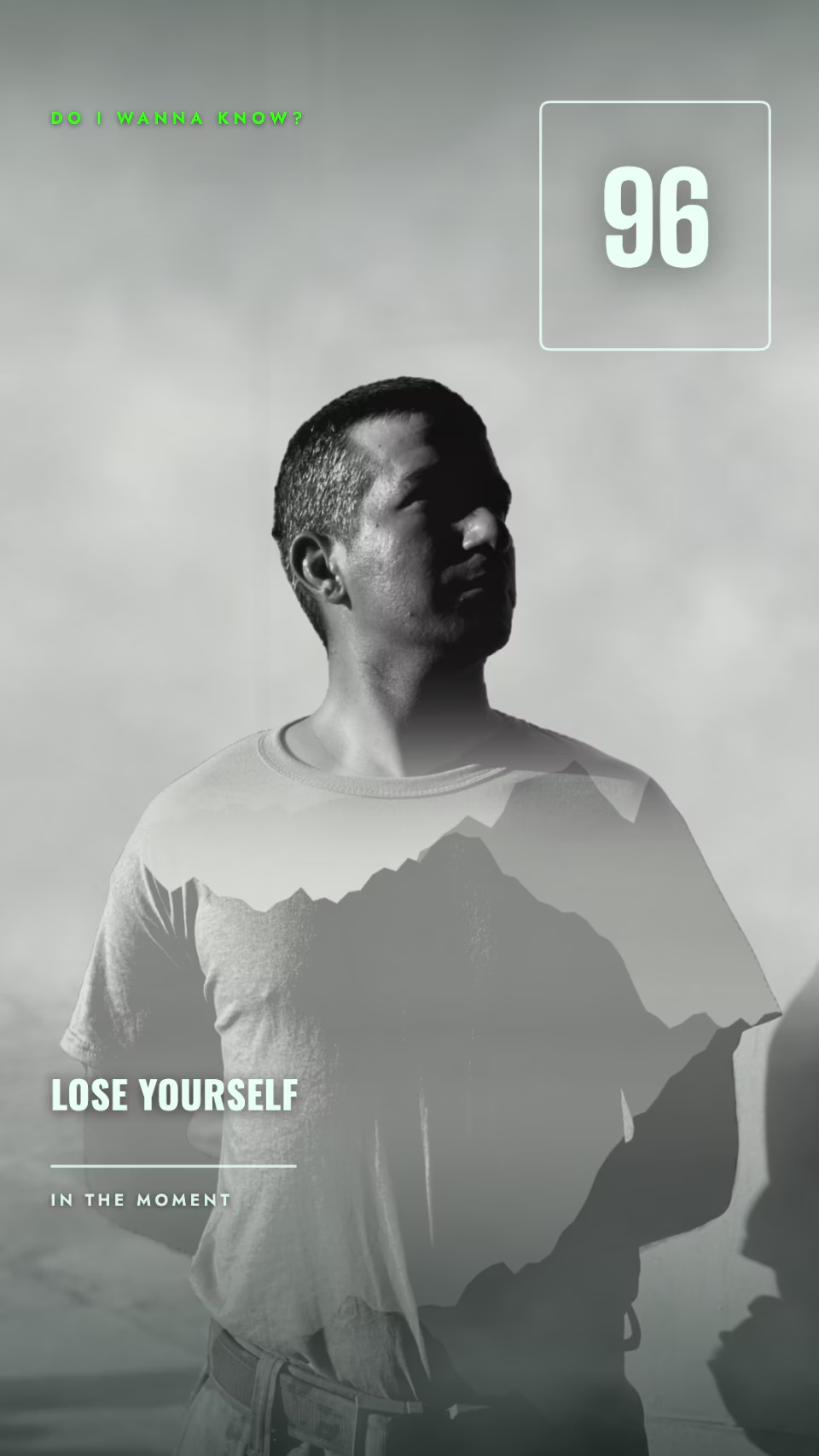
Double exposure: pour a landscape into the silhouette of a person. The AI cuts them out, turns the background to fog and places the landscape inside the body. Everything runs in your browser.
Now add the landscape that goes inside the silhouette.
Double Exposure is a free online tool that pours a landscape photo into the silhouette of a person. The AI cuts the person out of the background, replaces it with soft fog and lays the landscape inside the body with a Screen blend: dark clothes show the landscape, the light background stays light. The face is kept clear, the landscape starts at the chest and fades toward the feet. Everything runs in your browser; your photos are never uploaded.
The strongest results come from a person in dark clothes and a landscape with real contrast in it: misty mountains, a forest, a city skyline or a sunset. If the landscape looks washed out, raise "Darken the person"; if the face disappears too, raise "Protect the face". Turn up "Bleed" for clouds and birds drifting out of the silhouette.
How do I make a double exposure effect?
Add your portrait, then a landscape photo. The AI cuts the person out, replaces the background with fog and pours the landscape into the silhouette with a Screen blend. Choose where the landscape starts and ends with Protect the face and Fade at the bottom, then download.
Which photos work best?
A portrait in dark clothes against a simple background, and a landscape with light and dark in it (mountains, forest, a skyline, clouds). Screen shows the landscape in the dark areas and leaves the light areas light.
Can the landscape spill outside the silhouette?
Yes. The Bleed setting lets the dark parts of the landscape (ridges, birds, trees) leak from the edge of the silhouette into the fog.
Can I download it as a video?
Yes. Download video creates a short MP4 in which the landscape drifts slowly and rises up through the silhouette — ready for Reels and stories.
Are my photos uploaded anywhere?
No. The cut-out and the blend run entirely in your browser; your photos never leave your device.
Are iPhone (HEIC) photos supported?
Yes, HEIC photos are converted and opened automatically.
Developed by: otto.