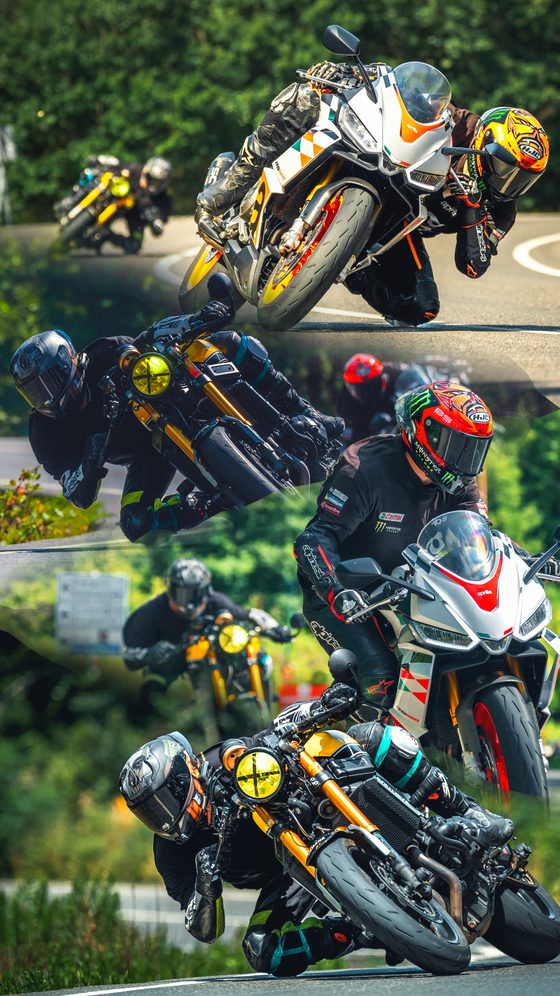
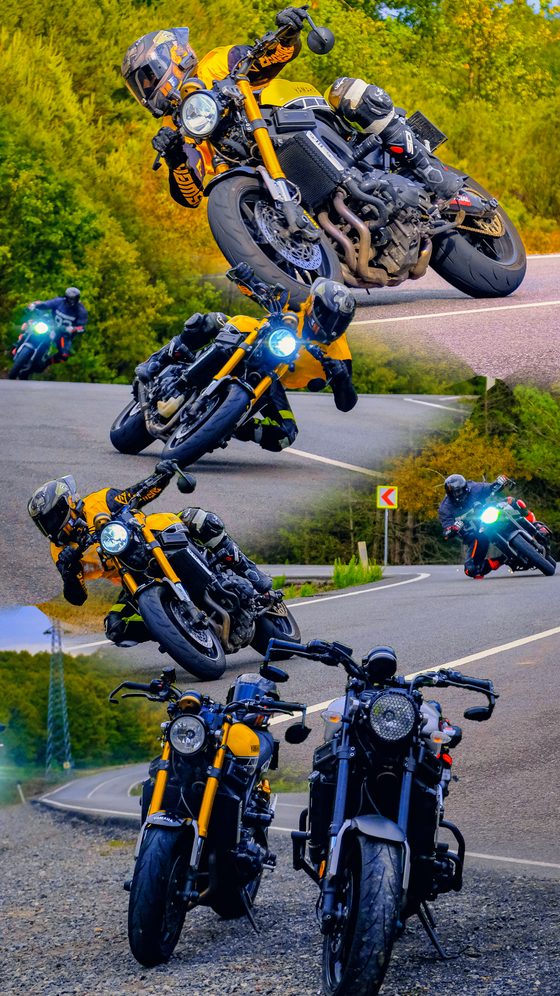
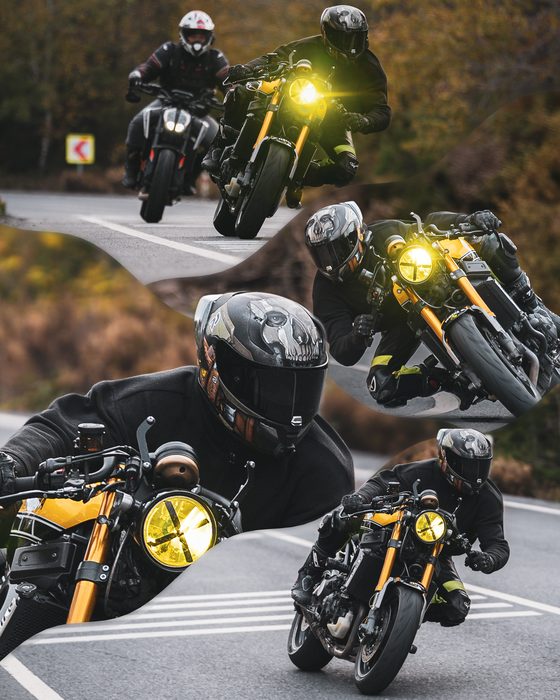
Stack multiple photos into one combined image — vertical or horizontal. Reorder, download. Everything runs in your browser, no quality loss.
Photo combiner & collage maker
Collage Maker is a free online tool that combines multiple photos into a single image. Stack photos vertically or side by side, build a grid collage, and export in Instagram post, story and reels sizes. Drag the seams to position them, add torn or diagonal transitions, cut the subject out of the background (sticker), and open mask holes to reveal the photo underneath. Everything runs in your browser; your photos are never uploaded to a server and the download stays lossless at source resolution.
What is an Instagram collage good for?
A collage is the cleanest way to gather several moments or products into one post: travel shots, before/after comparisons, product grids, or a photo sequence that tells a story. Combining them into one image keeps your feed tidy and shows several photos at once without a carousel. Collage Maker does this with vertical stacks, horizontal stacks and grid layouts in Instagram's recommended ratios.
How to use it
- Add your photos (JPG, PNG, WEBP or iPhone HEIC) — pick several.
- Choose the layout: vertical stack, horizontal stack or grid collage.
- Pick the Instagram size: square 1:1, post 4:5, landscape 1.91:1, story/reels 9:16.
- Drag the thumbnails to reorder; zoom and reframe inside each cell.
- Optionally drag the seams, add a torn/diagonal transition, or bring the subject forward.
- Preview the result and download the single combined image, lossless.
Tips
The 4:5 vertical post usually takes up the most space in the feed. For a soft transition between photos, give the seam a "dissolve" blend; to lift a subject out of the collage, use the cut-out (sticker) feature. Work with high-resolution sources — the export comes out at source resolution.
Frequently asked questions
How do I combine multiple photos into one image?
Upload your photos, pick a layout (vertical, horizontal or grid), reorder them and download the single combined image. You can export in Instagram post, story or reels size.
How many photos can I combine?
Add as many as you like and arrange them vertically, horizontally or in a grid; you can reframe each one separately inside its cell.
Does it reduce quality?
No. The result is exported at source resolution, lossless; the preview is low-res for speed while the download is full quality.
Is it free and does it work on phones?
Completely free, no install. It runs in the browser on phone and desktop; photos are never uploaded to a server.
Are torn edges, diagonal transitions and subject cut-out included?
Yes. Drag and resize the seams, add a torn or two-way diagonal transition, cut the subject out of the background and open mask holes.
Are iPhone (HEIC) photos supported?
Yes, HEIC photos are converted and opened automatically.
Developed by: otto.