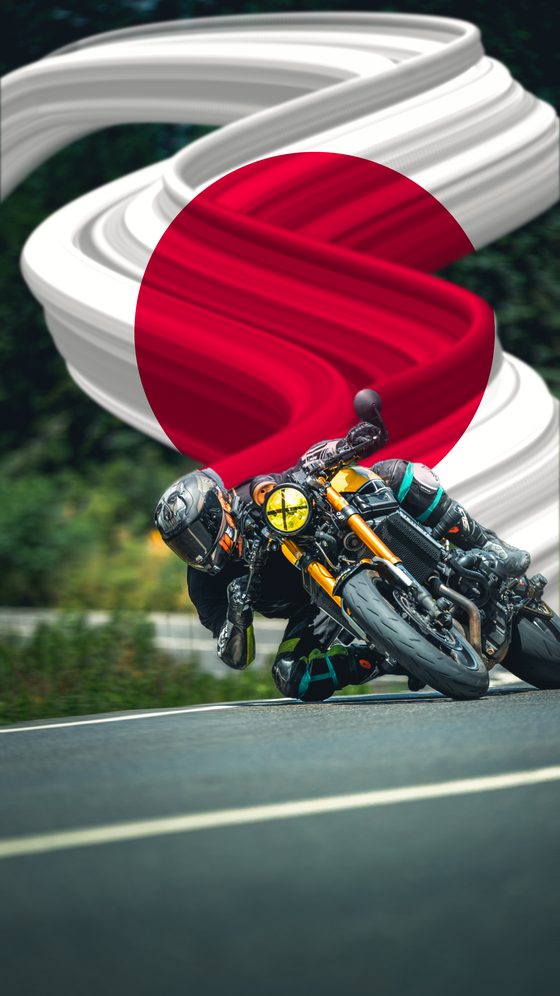
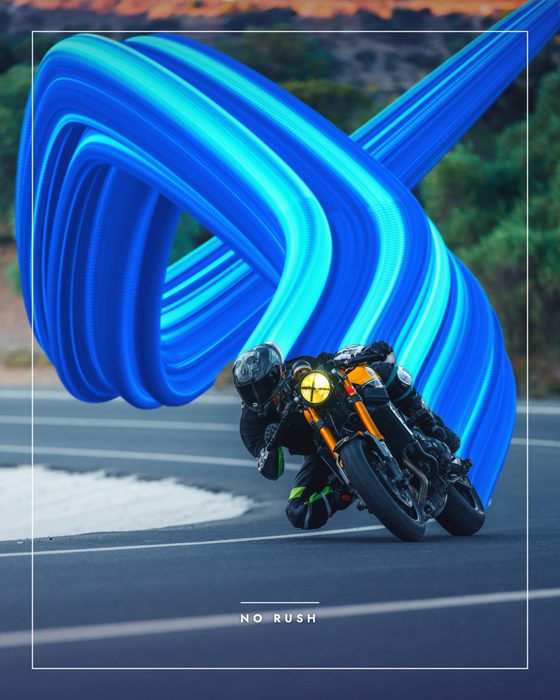
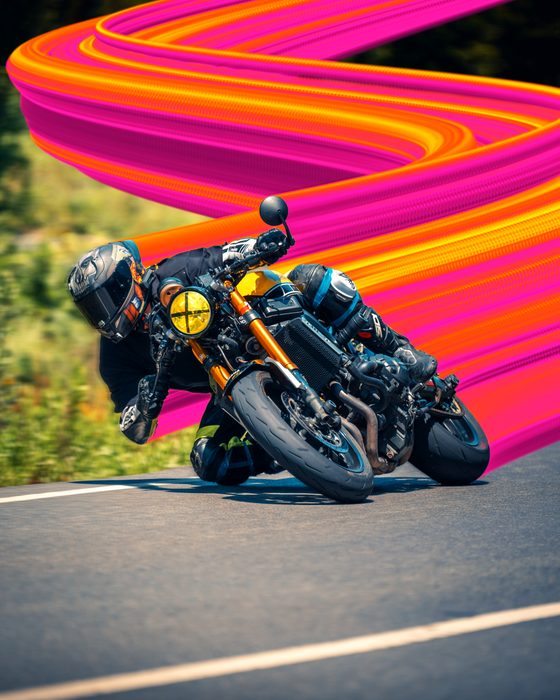
Motion blur / speed-effect tool for photos
Motion Blur is a free online tool that gives a photo a speed-blur look. The AI cuts the subject out automatically and keeps it sharp while it streaks the background — so the subject feels like it's moving. You get directional and radial blur, draggable path points that set the flow direction, quick colour palettes, and an eraser for fine-tuning. Everything runs in your browser; your photo is never uploaded and you can download lossless at 2K, 4K, 8K or source resolution.
What is motion blur (the speed effect)?
Motion blur is the streak of speed lines behind a moving subject; in photography it comes from a long exposure, and in editing it's faked by blurring the background directionally while keeping the subject sharp. It adds a dynamic sense of speed to sports, cars, running and dance shots. Motion Blur applies it in one tap by separating the subject with AI and streaking only the background.
How to use it
- Add your photo (JPG, PNG, WEBP or iPhone HEIC); the AI cuts the subject automatically.
- Pick an Instagram size: Story, Post, Square, Landscape or Original.
- Adjust the streaks with Strength, Angle and Curl; set the flow with path points.
- Pick a colour from the quick palettes or add your own; clean unwanted streaks with the eraser.
- Apply a colour grade / LUT and download at 2K/4K/8K or source resolution.
Tips
For a natural result, set the flow in the same direction the subject is moving. Radial (center-out) flow is great for an explosive zoom feel, while directional flow gives the classic speed look. Don't overdo the strength — a subtle blur is usually more believable. If a gap appears at the subject's edge, fix it with the eraser.
Frequently asked questions
How do I add a motion-blur speed effect to a photo?
Upload the photo; the AI keeps the subject sharp and streaks the background. Adjust Strength, Angle and Curl, then download at high resolution.
Do I have to select the subject myself?
No. The AI separates the background automatically; the subject stays sharp and only the background streaks. You can steer the flow with path points if you like.
Does this remove motion blur or add it?
It adds it. Motion Blur puts a speed effect on a sharp photo by streaking the background; it cannot rescue a photo that came out blurry — no tool can put back detail the camera never recorded.
Does it reduce quality?
No. You can download lossless at 2K, 4K, 8K or source resolution.
Is it free and does it work on phones?
Completely free, no install. It runs in the browser on phone and desktop; the photo is never uploaded.
Are iPhone (HEIC) photos supported?
Yes, HEIC photos are converted and opened automatically.
Developed by: otto.