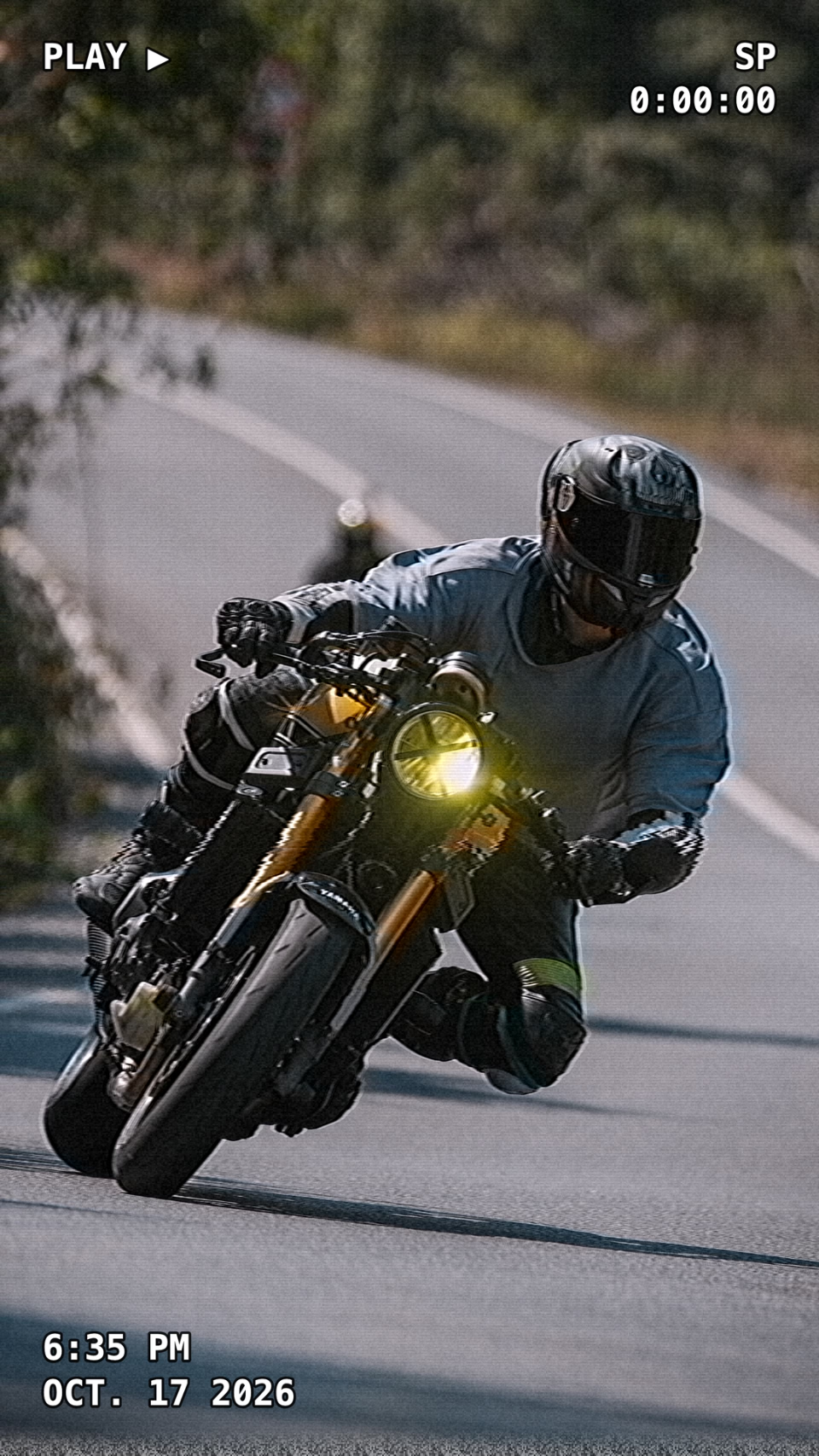
Run your photo or video through a retro effect like halftone, dithering or VHS, add grain and scanlines. Colour-grade it if you like, then download. Everything happens in your browser.
Retro photo effects: VHS, digicam, Polaroid, halftone and grain
Retro Effect is a free online tool that turns your photo into old print, pixel and tape looks. Pick an effect, tune it with the sliders, add grain and scanlines, colour-grade it like in Color Grade if you want, and download. Your photo never leaves your device.
Which effects are there?
- Halftone — a newspaper-print dot pattern; spacing, dot size and angle are adjustable.
- Dithering — an old-computer look reduced with a Bayer matrix; levels and pixel size are adjustable.
- VHS — a video-tape look with distortion, colour bleed and noise.
- ASCII — turns the photo into text characters; cell size, character set and contrast are adjustable.
- Crosshatch — shades like a pencil sketch with crossed lines; spacing, layers and angle are adjustable.
- Wave lines — draws it with horizontal lines that bend with brightness; spacing, amplitude and thickness are adjustable.
- Posterize — flattens colours into a few solid tones with a comic-style outline.
- Film grain — film-like grain: cloud-shaped, strongest in the mid-tones, optionally coloured; grain size (ISO) and softness are adjustable.
- Glitch — bursts of slice shifts, block corruption, channel swaps and RGB splitting.
- Threshold — cuts the photo to two tones (black and white or your own colours).
- Dots — a regular dot grid that grows with brightness, like an LED wall.
- Matrix Rain — draws the photo as falling characters; it streams on video.
- CRT TV, VHS tracking error, Super 8, TV static, Handycam — old screen, tape and camera looks that move on video.
- Night vision and binoculars — a green night-vision camera and a binocular frame.
- Depth map and AI depth — turns the photo into a depth map, near = bright, far = dark, in grey, heat and ice colours. The AI version uses a real depth model.
- Blob tracking and AI blob tracking — a computer-vision look with thin boxes, labels and link lines over objects. The AI version finds the objects in your photo and marks them; on video it flows without jitter.
- Datamosh — sliding blocks and frozen streaks like a compression glitch.
- Receipt paper — a faded, dotted thermal-printer receipt print.
- Scan wave — oscilloscope-style lines pushed up by brightness.
- 1-bit — black-and-white, green or amber one-bit pixels.
- Digicam (Y2K CCD), disposable camera, Polaroid, 2000s phone camera, old photo, CCTV — a harsh-flash 2000s digital camera with an orange date stamp, a light-leaking film camera, a white-framed instant print, a low-res phone photo, a scratched sepia old photo and a fisheye security camera.
- AI Electron Scan and AI Hologram — AI separates the person or object in your photo; the subject becomes a glowing electron-microscope image on black or a flickering hologram projection.
- AI 3D parallax — AI estimates the depth of your photo and turns it into a 3D video with a moving camera (orbit, swing or zoom).
- Cyanotype — a Prussian-blue vintage photo print with paper texture and brushed edges, with a photogram (negative) option.
- Fogged glass — the view through a steamed-up window: droplets, drips and a hand-wiped patch.
- 256 Colors — an old-computer palette (256, 64 or 8 colours) with dithering.
- Electron Scan — a glowing-edged, embossed grey look like an electron microscope.
- Uniform Modulation X — horizontal lines that thicken with brightness and colours that bleed down.
- Waveform — a neon look that draws the bright parts with zig-zag waves; the waves flow on video.
- Grain, scanlines, vignette — can be added on top of any effect.
How to use it
- Add your photo or video (JPG, PNG, WEBP, iPhone HEIC; video: MP4, MOV, WEBM).
- Pick an effect and tune it with the sliders.
- Add grain, scanlines or a vignette if you like.
- Colour-grade it and download.
Frequently asked questions
How do I give a photo a retro effect?
Add the photo, pick an effect (Halftone, Dithering, VHS) and tune it with the sliders. Add grain and scanlines if you like, then download.
How do I give a photo a Polaroid or digicam effect?
In Retro Effect open the Cameras & Prints tab and pick Polaroid, Digicam, Disposable, 2000s phone, Old photo or CCTV. Digicam and disposable also add the orange date stamp; you can change it or turn it off in the HUD panel.
Is my photo uploaded?
No. The effects run in your browser on your device; the photo is never sent anywhere.
Does the effect appear in the downloaded file?
Yes. What you see in the preview is applied with the same proportions to the file you download.
How do I get a blob tracking, datamosh or depth map effect?
In Retro Effect open the Technical tab and pick Blob tracking, Datamosh, Depth map, Receipt paper or 1-bit; it applies to your photo or video and you tune it with the sliders. AI blob tracking finds the objects in your photo and marks them with boxes.
For the Polaroid and digicam looks in detail, read the Polaroid effect guide and the digicam effect guide.
For more on blob tracking, datamosh and depth map effects, read the blob tracking effect guide.
Developed by: otto.