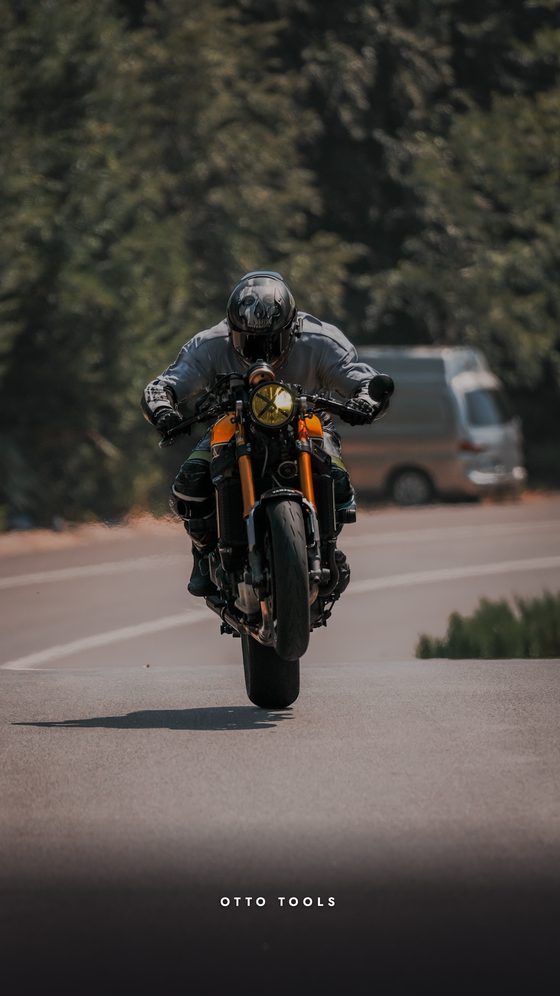
Ready-made story layouts: tap an empty area, drop your photo in, change the text and colour, download. Everything runs in your browser.
Size
Grab the frame and drag — centre your subject; zoom with + / - or two fingers ✦
✦
✦Tap an empty area → pick your photo. Select a filled area and drag to move it, pinch to zoom; press ✂︎ Crop for fine framing.
⚠ The photo does not carry enough detail for this quality — the export stays at source resolution.
Longer than 30 seconds — the first 30 will be used.
✦Your photo is never uploaded; everything runs in your browser.
70
Ready-made Instagram story templates
Story Layout is a free online tool for dropping your own photos into ready-made Instagram story and post layouts. Pick a template, tap an empty area in the preview, add your photo, edit the text and the colour palette, and download a lossless PNG as Story (1080×1920), Post (1080×1350) or Square (1080×1080). Everything runs in your browser; your photo is never uploaded.
How to use it
Pick a template from the strip at the top.
Tap an empty area in the preview and choose your photo (JPG, PNG, WEBP or iPhone HEIC).
Tap the area again; zoom with the + / - buttons, reframe by dragging.
Edit the text and switch the colour palette in the side panel.
Set the effect strength, optionally apply a colour grade, and download.
Tips
Leave a text field empty and that layer simply isn't drawn — clearing the headline is all it takes for a cleaner cover. Lower the effect strength to bring the photo's own colours back; raise it for the classic black-and-white, RGB-split glitch look.
FAQ
How do I put my own photo into a story template?
Pick a template, tap an empty area in the preview and choose your photo. Tap a filled area again for the zoom and reframe buttons.
Can I change the text and the colours?
Yes. Every text field is editable and the template's colour can be switched from ready-made palettes; the layout stays the same.
Which sizes can I download?
Story 1080×1920, Post 1080×1350 and Square 1080×1080.
Is it free, does it work on a phone?
Completely free, no install. It runs in the browser on phone and desktop.